Yoda
An open-source meeting recorder I reworked so it runs itself. It notices you're in a meeting, records, stops when it's over and names the file after your calendar event.
- Built
- Aug to Sep 2026
- Platform
- macOS
- Built on
- Meetily by Zackriya Solutions (MIT)
- Status
- Personal use, calendar work in progress
why I built it
Meetily is a good open-source meeting recorder. It captures, transcribes and summarises on your own machine, with nothing sent to a vendor’s cloud. Using it every day, three things got in the way.
Transcription ran on my laptop during calls and ate the battery. I had to remember to press record, and to stop. And every file was called something like recording_20260826_1403.
I wanted a recorder I never have to think about. It should notice a meeting, record it, stop when it’s over and file it under the right name, while keeping the privacy promise: nothing goes to a third-party cloud by default.
what it replaces
Otter and Fireflies, without sending your meeting audio to their cloud.
what it does
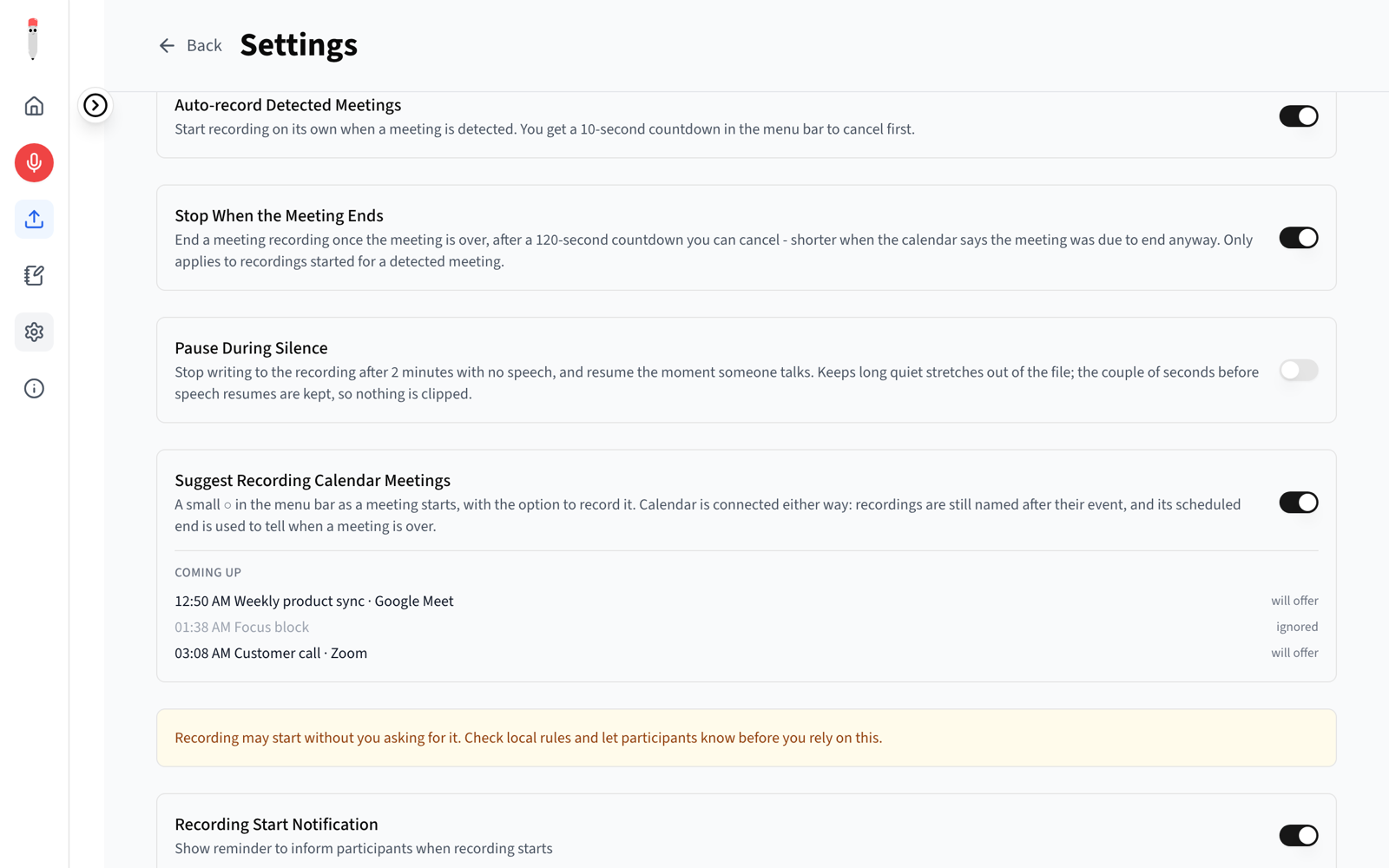
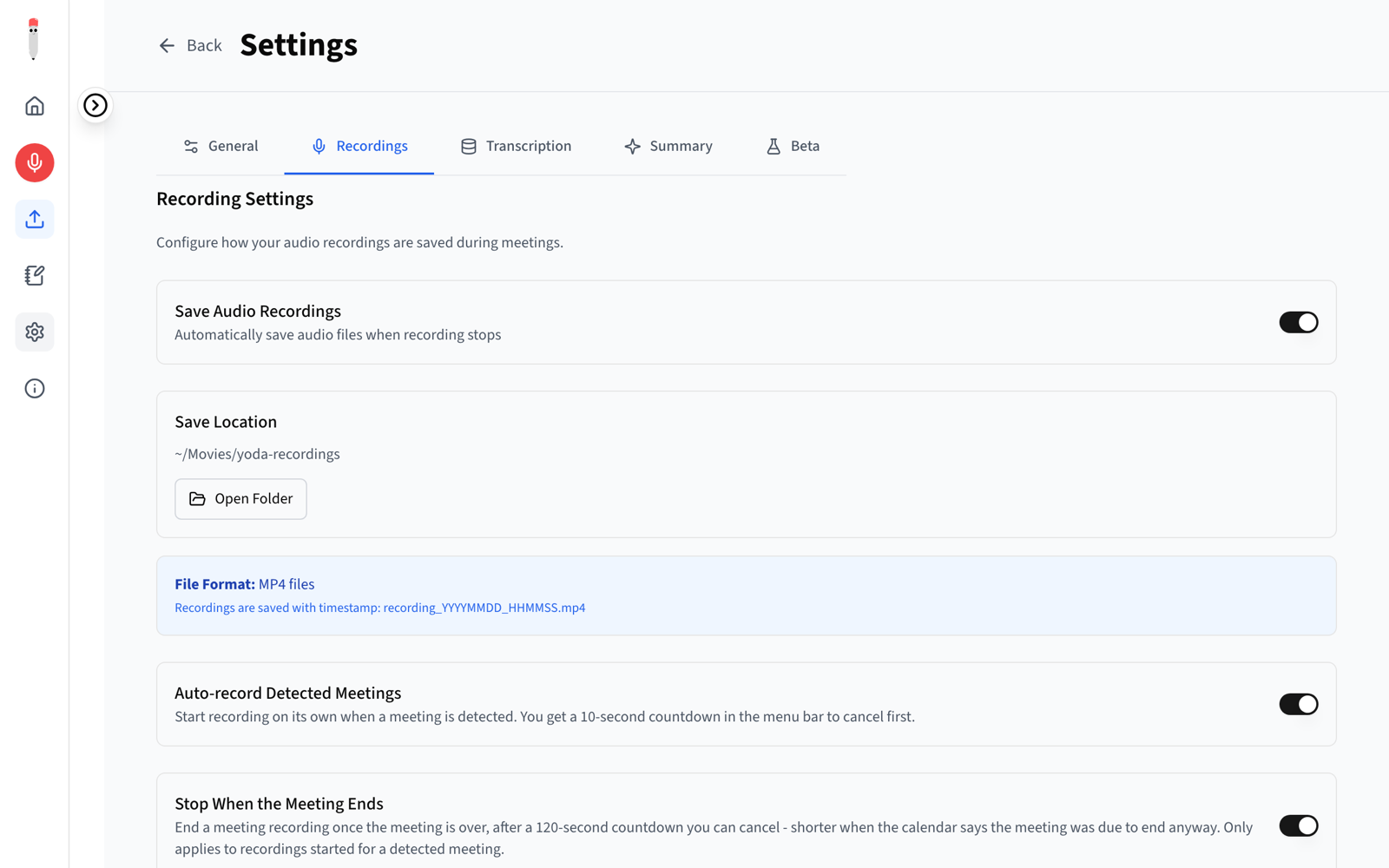
- Starts on its ownA meeting window plus active audio starts a 10-second countdown in the menu bar, then recording begins.
- Stops slowlyIt waits two minutes after a call ends before stopping, because a cut-off ending can't be recovered.
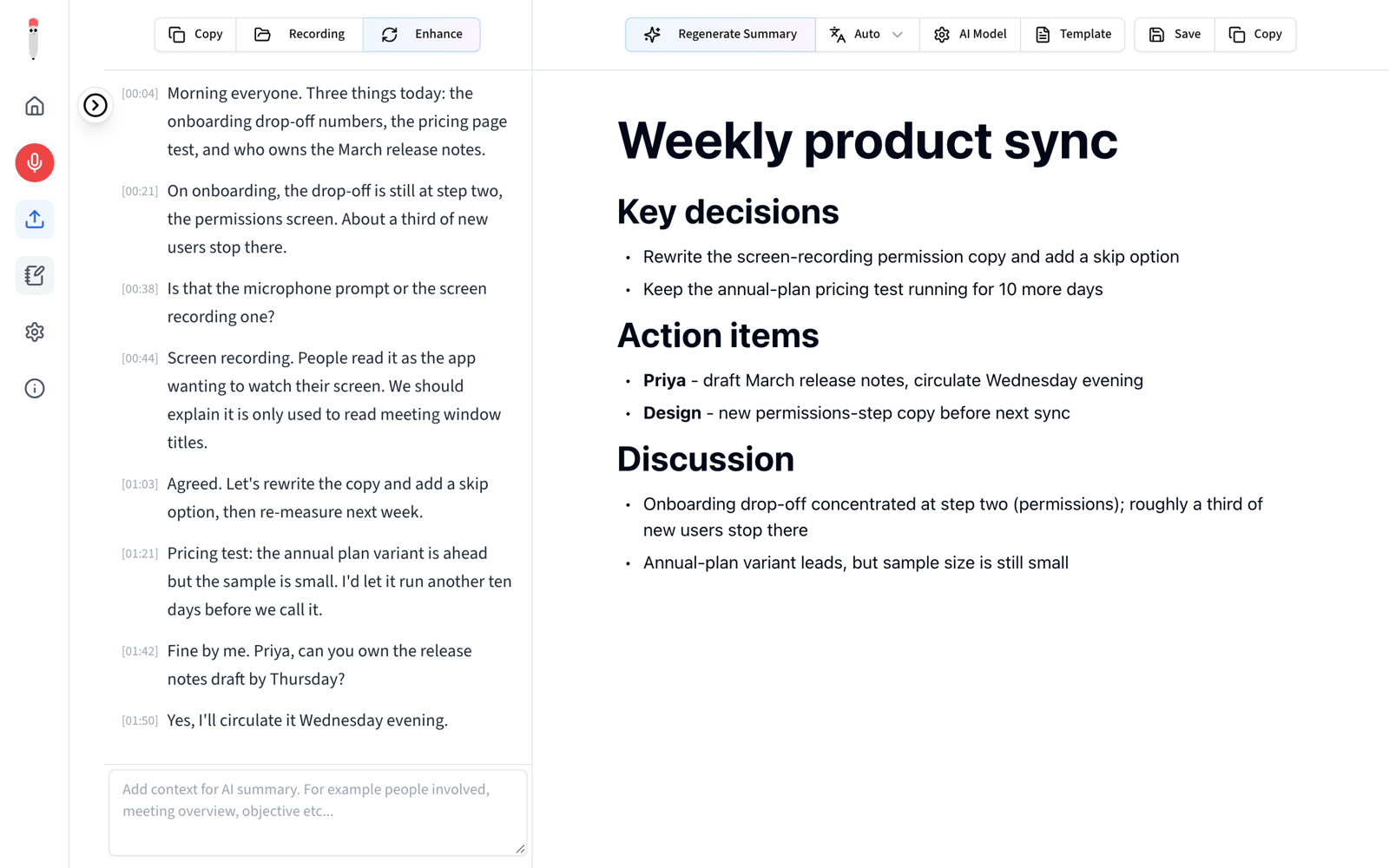
- Named after the meetingThe file is called "Weekly product sync", not recording_20260826_1403, matched to your calendar.
- Pauses in silenceAfter two minutes of quiet it pauses, and resumes the moment someone talks.
- Catches silent failuresWithout the right macOS permission, audio records as silence with no error. Yoda notices and warns you.
- Any browserGoogle Meet, Zoom, Teams and Slack huddles, in any browser, including Dia and Comet.
screens
can I use it?
Not yet. It's a personal fork with no public build or installer. Before anyone else could use it, it needs the calendar integration finished and the transcription step, which runs on a separate home machine, released. Credit where it's due: the interface, audio capture and summary engine are Meetily's, by Zackriya Solutions.
what's next
- Finishing the calendar integration: event names, calendar-aware stop timing and upcoming-meeting suggestions.
- Sending recordings to a home machine for transcription, so the laptop only records.
- Switching on AI naming and tagging, which is built and tested.